


Grow sales with AI communication
Streamline your conversations with AI communication. Save hours, keep every reply on-brand, and convert more leads, all inside Pepper Cloud CRM.
Book your free demo now
Summarise, rephrase or change the tone in seconds

Save hours each week and reply twice as fast

Win more customers with clear, polished messaging
Why do you need an AI communication assistant?
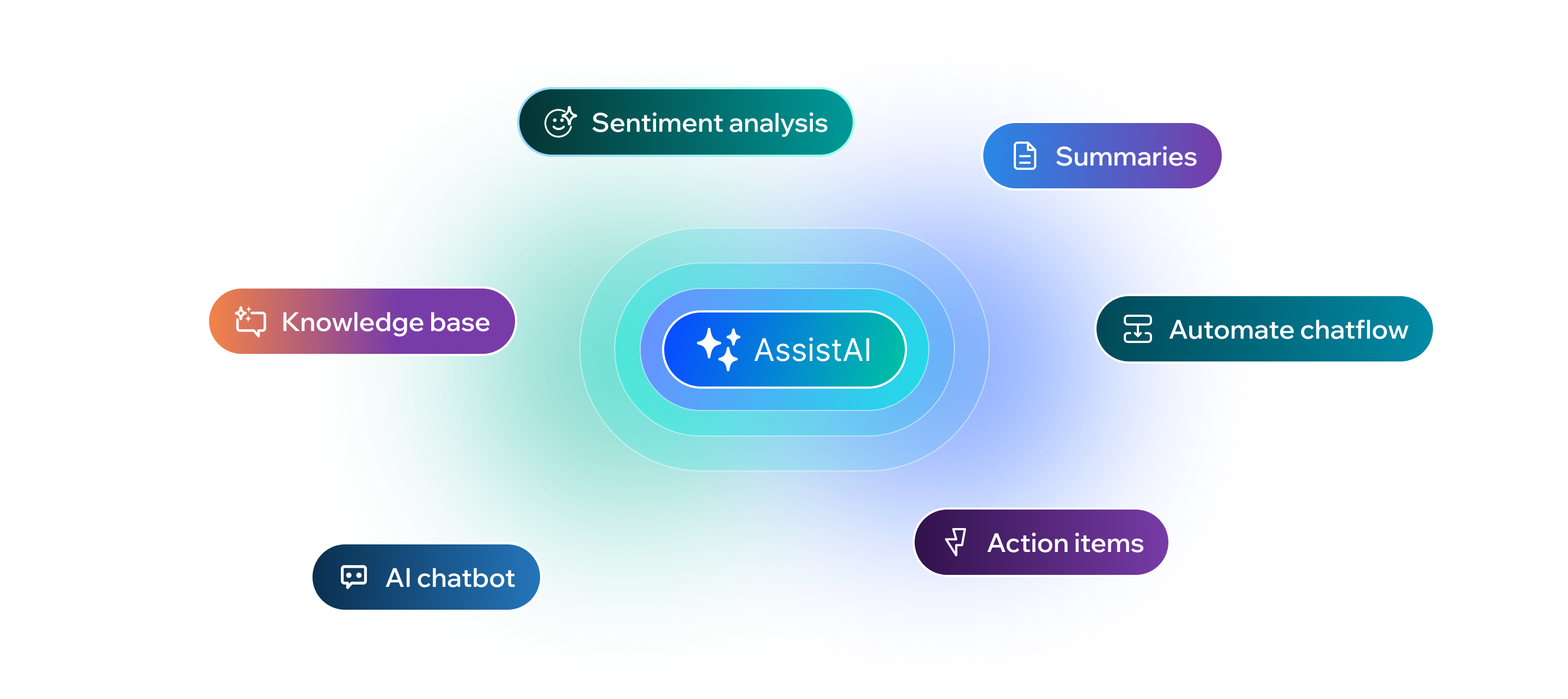
Without AI communication and text modification tools, your team wastes hours rewriting, fixing tone, and trying to stay consistent. AssistAI helps you summarise chats, rephrase awkward lines, and match your customer’s style, instantly. This means faster replies, clearer conversations, and more deals closed, all while keeping your brand voice strong and professional across every message.
Benefits of using an AI communication assistant
Using the AI communication assistant helps your team save time and stay clear in every reply. It supports better writing, faster onboarding, and smooth AI-powered communication every day.
Increase team productivity
The AI communication assistant reduces manual writing. Teams spend less time drafting replies and more time on high-value work.
Ensure message clarity
With AI-powered communication, replies are simple, clear, and easy for customers to understand—every time.
Minimise writing errors
The communication assistant checks tone and grammar, helping your team send polished and professional messages.
Simplify daily workflows
All features are built inside Pepper Cloud CRM. You get smooth, AI-powered communication without switching tools.
Why teams need an AssistAI communication assistant?
2x
faster responses
50%
quicker escalations
60%
less manual editing
3x
more follow-ups logged
Why Pepper Cloud is the best CRM with an AI assistant
AI Assistant
AI CRM
Smart comments
Workflow sync
Closing notes
Ai Assistant
The AI communication assistant helps you write faster, clearer, and more confidently. Whether replying to a customer, adding a comment, or closing a ticket, you can rephrase, change tone, expand, or shorten your text in one click. It ensures every message is sharp, on-brand, and ready to send.
Try text modificationAI CRM
Pepper Cloud’s AI CRM powers communication with intelligent text support built right into your workflow. It understands context and enhances messages without switching tools. Your team can focus more on conversations and less on editing—every reply becomes professional and efficient.
Explore AI CRM featuresSmart comments
Team collaboration becomes smoother with AI powered communication in comment threads. Whether you're sharing updates or assigning tasks, the AI assistant helps you rephrase and polish text instantly. It reduces confusion and ensures every message is clear and aligned.
Enhance team collaborationWorkflow sync
Integrate AI edits into your existing workflows using the power of AI CRM. From sales replies to support updates, communication stays consistent and efficient. The assistant supports your daily tasks without interrupting how your team already works. It blends into your tools, making smarter edits without changing your routine.
Streamline your workflowsClosing notes
Add a professional touch to every interaction with AI-assisted closing notes. Summarise conversations clearly and quickly using built-in suggestions. It helps your team maintain clean, consistent records without spending extra time on editing. Let AI handle the wrap-up, so your team can move on to the next task faster.
Make every note count
Trusted by leading businesses for outstanding efficiency





Features of an AI communication assistant
The AI communication assistant makes work easier by helping you write, edit, and reply faster.It offers smart tools like text modification, summaries, and real-time suggestions inside your CRM.

Text modification and tone control
Adjust tone, length, and brand voice with AI in every message.
Adjust tone, length, and brand voice with AI in every message.

Messages input box with AssistAI
Draft responses easily using the AI-powered input box.
Draft responses easily using the AI-powered input box.

Closing notes and comments panel
Add quick AI-generated closing notes for better follow-ups.
Add quick AI-generated closing notes for better follow-ups.

Comment tagging for teamwork
Tag teammates and keep everyone aligned with AI-assisted comments.
Tag teammates and keep everyone aligned with AI-assisted comments.
 Trusted by businesses, loved by customers








Application and use cases of the AI communication assistant
The AI communication assistant in Pepper Cloud CRM empowers teams to communicate smarter and faster. From inbox replies to internal notes, this AI powered communication tool ensures clarity, tone consistency, and time-saving edits across every message touchpoint.
Sales teams use the assistant to fine-tune replies and personalise outreach. It helps build better rapport while saving time on repetitive drafting.
Fine-tuned replies:
Rephrase responses to match buyer tone and intent.
Product clarity:
Expand replies to explain features or pricing clearly.
Quick follow-ups:
Shorten messages while keeping the value intact.
Personal touch at scale:
Deliver 1:1-like outreach—faster.
Real stories. Real results.
Discover how businesses are transforming customer engagement with Pepper Cloud.


Team collaboration, accurate sales forecasting, and effective resource management are the challenges every organisation encounters. But having an efficient CRM tool like Pepper Cloud enhances productivity while assisting in optimising the sales process.
Yoon Kam Fei
Managing Director


Pepper Cloud is an excellent all-in-one CRM system to run multiple businesses across multiple domains. Through multiple sales pipelines, we track the business opportunities and the conversations between our team and our customers.
Pantana Na Takuathung
General Manager


Pepper Cloud is a sales-focused CRM that is helping our business to grow. The user interface is easy and our sales process is now more organised. Apart from the highly productive CRM features, we are happy with their exceptional support and relentless assistance
Joel Toh
Director


A must-have for sales organisations. Pepper Cloud is a simple and easy-to-use CRM tool that equipped us with the information needed to manage the sales effectively. Their excellent customer service and local support were invaluable throughout the implementation.
Judith M. Adao
Managing Director


Pepper Cloud CRM system helped us manage our leads and sales pipelines and provided us with a unified platform to collaborate and communicate internally. We are pleased with this solution and would definitely recommend it.
Jimmy Lee
Managing Director


Pepper Cloud is the best CRM tool to improve coordination and manage our database effectively. The user-friendly interface, easy-to-use functions, and customisable features enabled us to integrate, and onboard the whole team on the cloud platform quickly.
Wilson Tan
Senior Manager
Frequently asked questions about the AI communication assistant
What is an AI communication assistant in Pepper Cloud CRM?

An AI communication assistant helps users rewrite, rephrase, expand, or shorten text across inbox replies, comments, and closing notes. It improves message clarity and tone with just one click.
How does AI powered communication improve team productivity?
AI powered communication saves time by generating better text instantly. Teams spend less time editing and more time engaging with leads, customers, and colleagues effectively.
Can the communication assistant adjust tone in messages?
Yes, the communication assistant allows you to switch between tones—such as friendly, formal, or neutral—making your messages suitable for different audiences.
Where can I use the AI communication assistant inside the CRM?
The AI communication assistant is available in inbox messages, comments, and closing notes. It activates automatically when you start typing in these areas.
Is AI powered communication useful for internal team collaboration?
Absolutely. It helps teams write clearer comments and updates, reducing misunderstandings and promoting faster decision-making internally.
Can marketing teams benefit from the AI communication assistant?
Yes, marketing teams can use the assistant to draft better internal briefs, campaign notes, and emails. It ensures brand tone and message consistency.
Does the communication assistant support shortening long messages?
Yes, the communication assistant has a “shorten” option that condenses lengthy messages without losing meaning—ideal for quick replies and summaries.
How does AI powered communication ensure message quality?
It automatically checks your message for grammar, tone, and clarity. The tool provides rephrased suggestions that help ensure professional and high-quality communication.
Is the AI communication assistant helpful for support agents?
Definitely. Support teams use it to rewrite replies clearly, maintain a polite tone, and document customer conversations in a structured way.
How can teams get started with the AI communication assistant?
Just start typing in the inbox or comment areas. The AI communication assistant will appear below the text box—click the “AssistAI” button to choose from rephrase, tone change, expand, or shorten.